Who can see responses
Some forms collect things not everyone should read, like leave requests. Open the form, go to Details, and under Who can see responses choose:
| Option | Who reads the responses and summary |
|---|---|
| Admins | Administrators, and whoever made the form. |
| Admins + people | Administrators and the colleagues you add with Add person. Whoever built the form, and anyone it notifies, too. |
| Everyone in Engage | Everyone who can see form responses. |
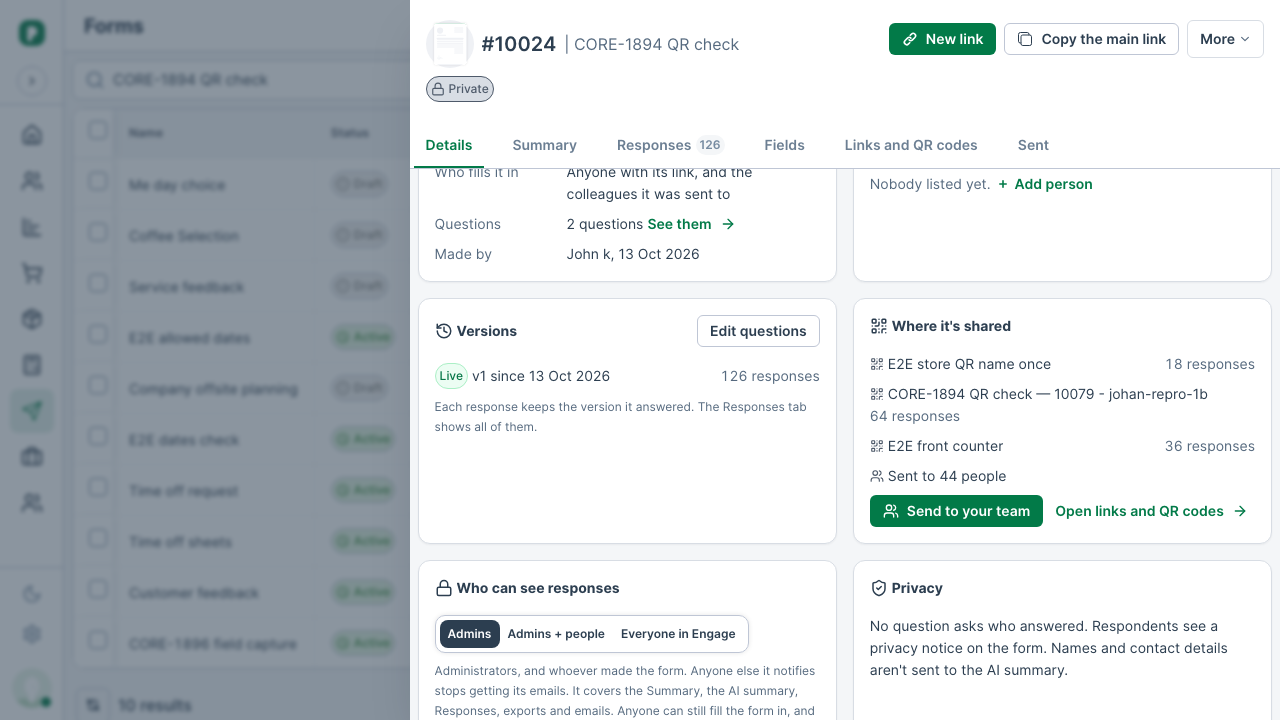
A new form starts as Admins + people. A form that has never had this set is Admins: administrators and whoever made it. Whoever made a form can always read its responses. Only an administrator can change the choice. A private form shows Private next to its name.
Anyone can still fill a private form in. Everyone else sees a padlock where its responses would be, with a button to ask for access. When an administrator made the form, the button names them (Ask their name for access) and tells them; otherwise it tells your administrators. Whoever a response is assigned to can always open that response.
Only people who can see a form's responses can send it, or a reminder, to a lead or a beneficiary, because their link opens what they've saved so far. Anyone who can open the record can still send it about a customer, an appointment, an order or a job.